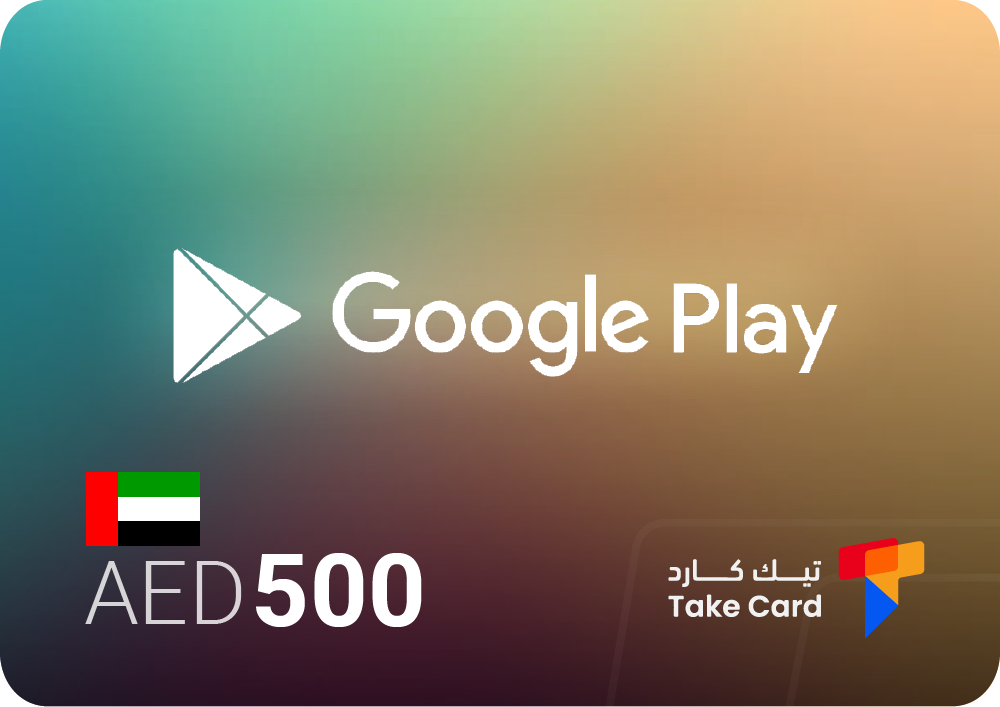
How to redeem a Google Play gift card:
Through the application:
1- Go to the Google Play Store and press the side menu button.
2- Go to the payment methods.
3- Click on Use the code.
4- Enter the card code you received.
5- Click on "Collect the payment".
Through the browser:
1- Go to the link https://play.google.com/store/games?code
2- Enter the card code you received.
3- Click on Redeem.
Warning: This card is exclusively for UAE accounts, therefore your account must be UAE-owned and registered with a real UAE number and address to avoid any problems when trying to load or use the card.