
The gaming world is witnessing iPhone There is a high demand from users seeking a complete gaming experience that includes access to paid items and special in-app features. However, many face the challenge of knowing how to top up games on their iPhones safely and efficiently, whether to get extra credit or to purchase diamonds and other premium rewards that enhance gameplay and unlock new levels.
In this article, you'll find a clear, step-by-step explanation of how to top up your iPhone game credit using trusted digital cards like "Sawa Play" cards, along with practical tips to avoid common mistakes that could lead to lost credit or complicated processes. Additionally, we'll show you how to ensure fast and secure top-ups with comprehensive technical support that provides a smooth and hassle-free experience.
How do I charge games on an iPhone?
To top up games on your iPhone, you need to use a digital card that allows you to add funds to your App Store account. With these simple steps, you can easily and reliably purchase games or in-game items.
- Purchase a digital card like Sawa Play from a trusted store like TechCard , and make sure the card is compatible with the country of your Apple ID account.
- Open the App Store app on your iPhone.
- Click on the personal account icon at the top of the screen.
- If prompted, sign in using your Apple ID.
- Choose the "Redeem Gift Card or Code" option.
- Enter the manual card code in the designated field, and you can skip the camera option if it is available.
- Click on "Redeem" and confirm the transaction using your password, face ID, or fingerprint.
- After a few moments, a message will appear confirming the successful addition of funds to your account.
Thus, the balance becomes ready to be used to purchase games or make in-app purchases with ease, within the iPhone game top-up method that ensures a smooth and safe user experience.
How do I get a recharge card?
You can get a game recharge card from a trusted online store like TechCard, where digital cards are available in various types to suit your needs. Before purchasing, always make sure the card's region matches your Apple ID account region so the system recognizes it without problems during the recharge process.
How do I use the card code?
- Open the App Store app on your iPhone.
- Go to the top of the screen and tap the account icon.
- Sign in to your Apple ID if prompted.
- Choose the "Redeem Gift Card or Code" option.
- Enter the code found on the card manually into the designated box.
- Click on "Redeem" to confirm the transaction.
- Confirm authentication via fingerprint, facial recognition, or password entry.
- After the transaction is successful, the balance will be automatically added to your account.
Post-recharge: How do I use the balance?
After the top-up process is complete, the credit in your account will be immediately available for any purchase within the App Store. This iPhone in-game top-up method ensures ease of use and quick access to paid content. You can use this credit for a number of different purposes, such as:
- Purchase your favorite games available on the App Store.
- Upgrade apps to the paid version or remove ads from them.
- Buying coins or additional items within games.
- Subscribe to digital services such as Apple Music or Apple Arcade.
If you encounter any problem using the balance or the system does not recognize the card, it is recommended to check that the region matches the account and the card or contact Apple technical support to resolve the issue quickly.
Why is using digital cards to top up games on iPhones considered safe and fast?
- It provides a high level of security because it is used without the need to enter any bank or credit card details.
- The balance is activated instantly once the code is entered, making the recharge process quick and smooth.
- The tokens can be purchased from trusted online stores that support local and international payment methods to suit all users.
- Its ease of use makes it a preferred choice for iPhone users, especially in Saudi Arabia, where continuous technical support services are available.
- It reduces the risk of online fraud and saves you from problems with bank card rejections or geographical location restrictions during purchases.
Does it support all games?
Yes, digital cards like Sawa Play support a wide range of popular iPhone games. You can use them to top up games available on the App Store or directly within apps, offering great flexibility in choosing which game or app to top up without complications or restrictions.
What is the difference between card top-up and direct payment?
The main difference between the two methods lies in their level of security and ease of implementation. Digital card top-ups do not require entering sensitive financial data, while direct payments rely on credit cards and are sometimes affected by factors such as transaction rejection or country differences.
Top-up via digital card:
- Very high security (no need to enter your bank details)
- Very fast (it happens immediately after entering the code)
- Easy to use (simple and clear steps)
- Reliable (can be purchased from trusted stores with local support)
- Very low risk
Direct payment:
- Relatively less secure (requires card data entry)
- It may be slower (due to payment processing).
- Less user-friendly (requires additional financial data entry and confirmation)
- Reliability depends on the bank or the country.
- There is a possibility of fraud or transaction rejection.
These differences highlight why many iOS users in Saudi Arabia prefer to rely on the method of charging games on iPhones using digital cards, due to the high security and speed of execution it provides, in addition to the ease of use and flexibility of completing in-game purchases.
What are the best game recharge cards for iPhone?
TechCard offers secure and reliable digital top-up cards for iPhone gamers. The store provides a variety of options to suit all budgets, with 24/7 customer support and a fast, reliable top-up experience. Explore them in the Mobile Game Top-Up section. .
Top up Sawa Play
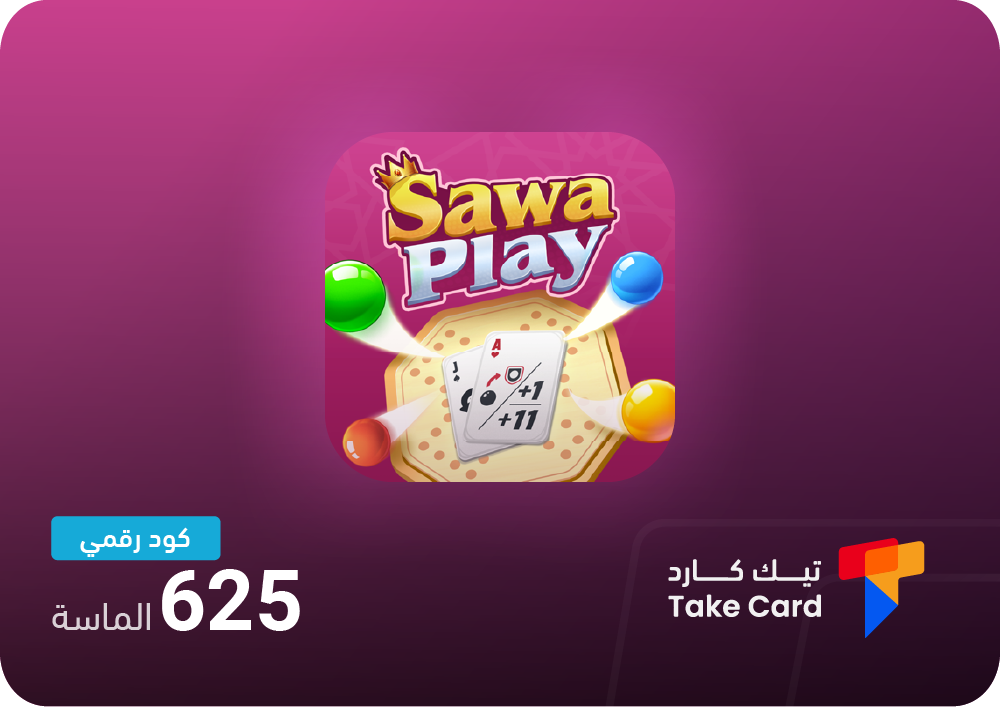
Top-up with Sawa Play gives you 625 diamonds to boost your in-game level. The card is delivered instantly after purchase, making it a convenient and fast option. It can be easily topped up by entering the code directly on the platform, making it ideal for those who want to customize their in-game experience in a safe and easy way.
Diamond shipping
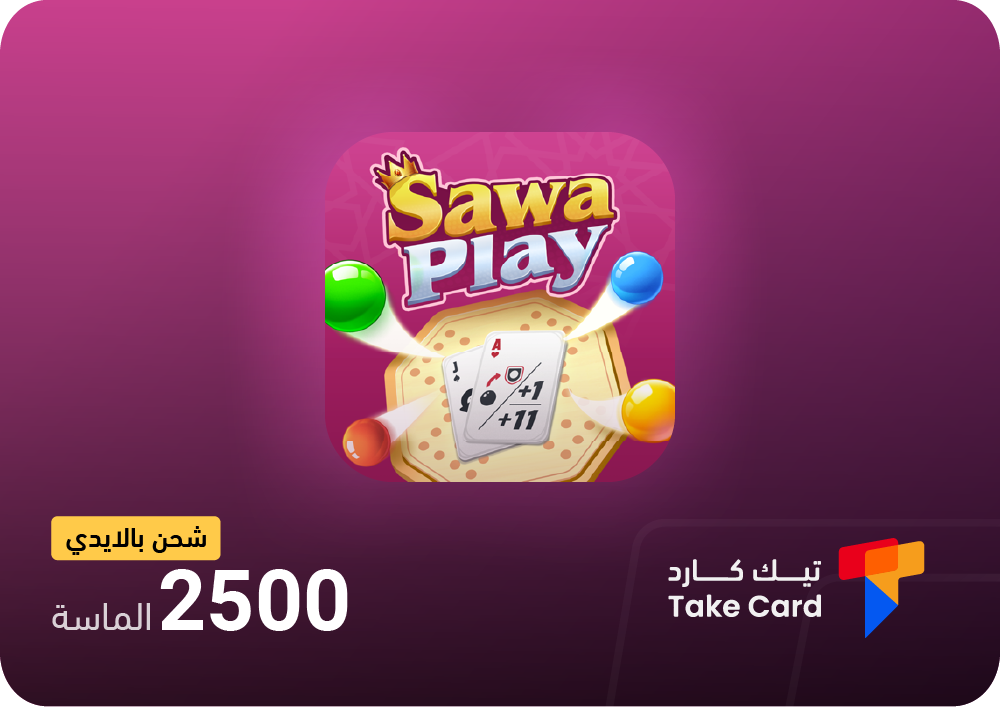
Top -up diamonds is an ideal option for players who need a large amount of in-game diamonds. The card provides 2500 diamonds and allows for easy top-up via account with 24/7 technical support. This card offers a secure and fast top-up experience, perfect for those looking for a significant boost to their game balance.
Top up online games
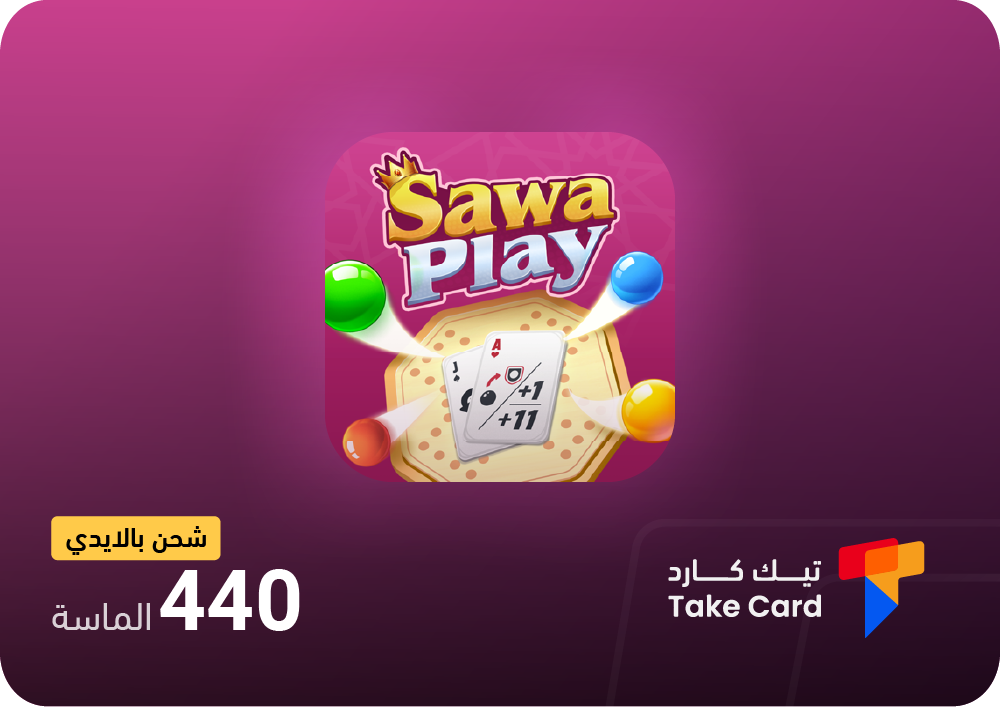
For those seeking an affordable option, TechCard offers an online game top-up service with a perfect balance of price and value. The package includes 440 diamonds that are topped up directly and securely using your account. It also features 24/7 technical support to ensure a convenient and reliable experience, making it a suitable choice for quick gaming sessions or topping up new accounts.
Why is TechCard the best choice for topping up games on iPhone?
TechCard offers a unique experience for anyone looking for an easy and secure way to top up their iPhone game accounts. Combining speed, reliability, and 24/7 support through its website or app, it makes purchasing e-cards more convenient and seamless. The store offers all types of cards at competitive prices to meet the needs of gamers of all levels, with multiple payment options including Apple Pay, Mada, STC Pay, and flexible international payment methods to suit everyone.
Shopping at TechCard is simple and straightforward. You'll receive official and immediate shipping guarantees for every digital product, along with the highest security standards to protect your data from any online fraud. You can also rate products immediately after trying them and take advantage of exclusive discount coupons for new customers, such as the APP code, making your shopping experience more enjoyable and cost-effective. And if you encounter any issues while shipping games to your iPhone, our technical support team is available to assist you quickly and efficiently at any time.
How do I effectively buy and recharge games on my iPhone?
Purchasing the digital card from the TechCard store is done in easy and quick steps that any user can follow simply:
- Choose the appropriate card for the type of game or store you wish to ship to.
- Add the card to your shopping cart after confirming the required amount.
- Choose your preferred payment method such as Apple Pay, Mada, or other available options.
- After completing the payment process, you will immediately receive the digital code in your account to use for topping up games on your iPhone directly.
How do I enter the code correctly?
To ensure the successful charging of games on the iPhone without any problems, it is important to enter the code by following the correct steps and paying attention to the fine details.
- Make sure that the account area on your device exactly matches the digital card area before entering the code.
- Enter the code manually instead of using the camera, as automatic reading may cause unexpected errors.
- Check the order of the numbers and letters carefully before confirming the transaction to avoid shipping rejection.
What should I do if something goes wrong?
If you encounter an error message while trying to top up games on your iPhone, don't worry. First, check the code and card expiration date, and make sure your account region matches the card's region. If the problem persists, you can contact TechCard support for assistance, or go to your Apple ID settings and try again after logging out and then logging back in.
Frequently asked questions about how to charge games on iPhone
What is the easiest way to charge games on an iPhone?
The easiest way is to use digital cards (Gift Cards) such as Sawa Play, then enter the code in the App Store to add the balance and use it directly within the games.
Can games be topped up without a bank card?
Yes, this can be easily done via digital cards, as you do not need to enter any bank details, making it a safe and convenient option for everyone.
How long does it take to activate the recharge balance?
The balance is activated immediately after the code is entered correctly, and appears directly in the App Store account.
Using digital cards like Sawa Play and purchasing through the TechCard store to top up your iPhone games is a practical and secure option. It allows you to easily top up your balance and manage in-game purchases with complete flexibility. This method also provides ongoing technical support to ensure a smooth and hassle-free user experience.
Read also: Learn about the best Jawaker recharge site with installments