
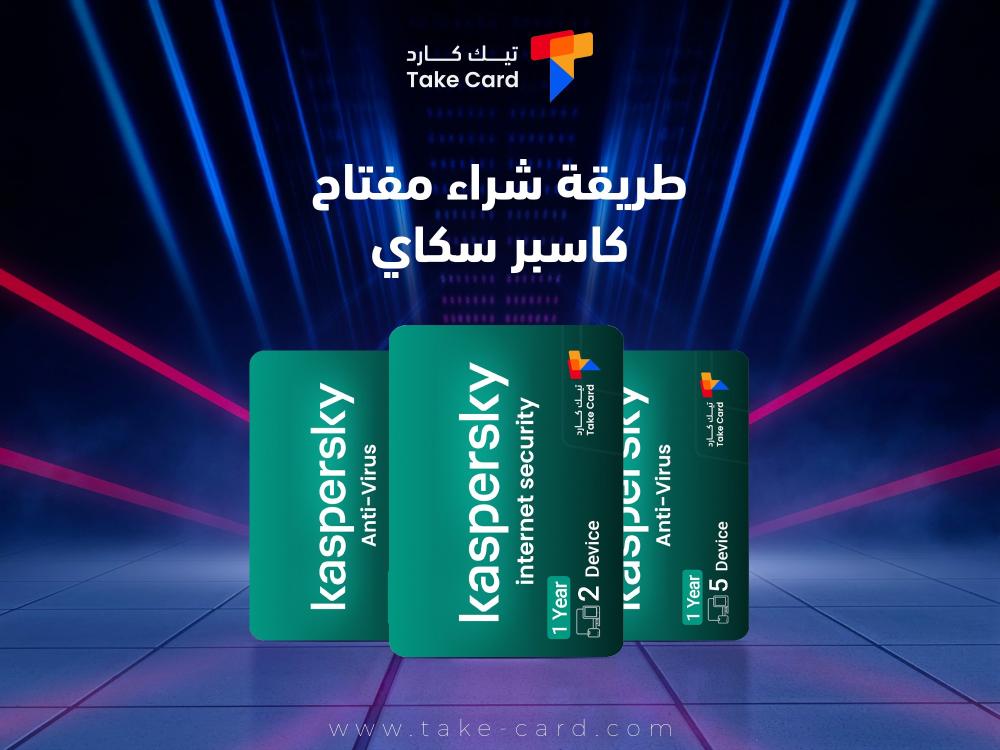
It is necessary to know how to purchase a Kaspersky key, as it has become essential to rely on strong and reliable antivirus programs. Kaspersky is considered one of the most prominent of these programs thanks to its high ability to protect devices from electronic threats. To fully benefit from its advanced features, the user needs to activate the program through an official license key.
How to buy a Kaspersky key
Protecting our devices from viruses and cyber threats has become essential. Through the TechCard website , we will learn that Kaspersky is one of the best programs that provides strong and easy-to-use protection. To activate the program and benefit from all its features, we need to know how to purchase, activate, and use a Kaspersky key as follows:
- Open the website my.kaspersky.com from the device you wish to protect.
- Create a new account or log in if you already have one.
- Enter the activation code you received when you purchased a Kaspersky key.
- Follow the steps and instructions that appear on the screen to complete the activation process.

Therefore, we advise you to try purchasing Kaspersky Anti-Virus for 5 devices for a year, which is available through our TechCard store, which provides many distinctive keys that help you protect your device from viruses.
Kaspersky Key Advantages
Now that we've learned how to purchase a Kaspersky key from the TechCard store, let's explore the key features of a Kaspersky key. A Kaspersky key provides comprehensive and advanced protection against cyber threats, helping you keep your devices and personal data safe while browsing the internet or using applications. Some of the key features include:
- Instant protection against viruses and malware, providing constant, real-time security to prevent any threats that may affect your device while working or browsing.
- The security of financial transactions ensures secure online purchases and payments, giving you confidence when conducting any banking transaction or online shopping.
- Secure password management because it allows you to store and easily access your passwords, while keeping them confidential and protecting them from hacking.
- Compatible with all systems, it works efficiently on Windows, macOS, Android and iOS, which means comprehensive protection for your various devices.
- A data leak detection tool that helps you ensure the safety of your personal information and alerts you if it has been leaked online.
- Improving device performance: Kaspersky key reduces system consumption and prevents viruses from affecting speed, thus maintaining device efficiency.
- Kaspersky Safe Kids is a child protection feature that allows parents to control their children’s activity on devices and limit harmful content.
- A full year license that allows you to take advantage of all the advanced features for 12 months without interruption.
What is the Kaspersky key?
Many people wonder what a Kaspersky key is and how to buy and activate a Kaspersky key, as Kaspersky is considered one of the most advanced solutions in the field of electronic protection, as it provides a high level of security for devices used against viruses and malware.
This program supports all popular operating systems and ensures comprehensive protection for all devices. Kaspersky software relies on modern technologies, most notably real-time protection, which enables it to detect threats as soon as they appear and deal with them immediately.
It also provides advanced protection during online financial transactions, to ensure that payments are made safely and reliably. In general, it can be said that Kaspersky is trusted by millions of users and more than 220,000 companies around the world.
Founded in 1997, the company has evolved into one of the world’s leading private cybersecurity companies. Its holding company is headquartered in the United Kingdom. Since its inception, Kaspersky has dedicated its leading security expertise to providing practical solutions that ensure effective protection for its customers, whether in their personal use or in work environments.
We also find that the company is keen to test the efficiency of its technologies regularly through independent, measurable tests, which helps to assess their effectiveness in confronting modern threats. The results of these tests are included in the global TOP3 rankings. The awards and certifications that Kaspersky products have received can be viewed by visiting its official awards page.
All of this has made the Kaspersky key an ideal choice for anyone looking for comprehensive and reliable protection in the world of the Internet, as it has become a distinctive mark in the world of antivirus protection.
How do I subscribe to the service?
Upon subscribing, you will pay the initial price for the first period of your subscription. This price is clearly displayed on the offer page, the shopping cart, and in the confirmation email you receive, along with other information.
This includes the number of devices covered by the subscription, the duration of the first period and subsequent periods, and the renewal price for the next period and beyond. Please note that the renewal price may differ from the initial price and may be modified in the future. You will be notified via email of the renewal price before the automatic renewal date.
Please note that discounts and offers available when you subscribe for the first time may not be available upon renewal. Your subscription will be automatically renewed at the end of each period unless you cancel it. To ensure uninterrupted protection, we will attempt to deduct the subscription fee from your payment method 15 days before the subscription expiry date. We will also send you an email notification to inform you of the upcoming automatic renewal process.

Therefore, we advise you to try purchasing Kaspersky Anti-Virus for two devices for a year from our distinguished store, through which you can protect your device for a full year, in addition to the possibility of benefiting from it through two devices.
How to cancel the service subscription
Just as you learned how to buy a Kaspersky key, you must also learn how to cancel the service subscription, as you can stop the automatic renewal of your subscription at any time you wish.
Upon cancellation, you will continue to benefit from full protection until the end of the prepaid period. After that, the subscription will end and you will not be charged any additional fees in the future. To cancel automatic renewal, you can follow these steps through your My Kaspersky account:
- Log in to my.kaspersky.com
- Then go to the "Subscription" page.
- Click on "Manage Subscription".
- Select "Unsubscribe" and follow the instructions to confirm your cancellation.
- You can also contact the Kaspersky customer support team to complete the cancellation process.
- If the renewal fee has already been deducted, you have 30 days from the billing date to submit a full refund request.
- For a refund, please contact Kaspersky customer support.
Finally, if you are wondering how to buy a Kaspersky key, the steps are simple and quick. Kaspersky security software is one of the strongest security solutions that guarantees a safe browsing and usage experience on your various devices. Thanks to the advanced features it offers, you can rely on it to protect your personal data and financial transactions from any cyber threat.
Read also: Everything you need to know about how to subscribe to Kaspersky