
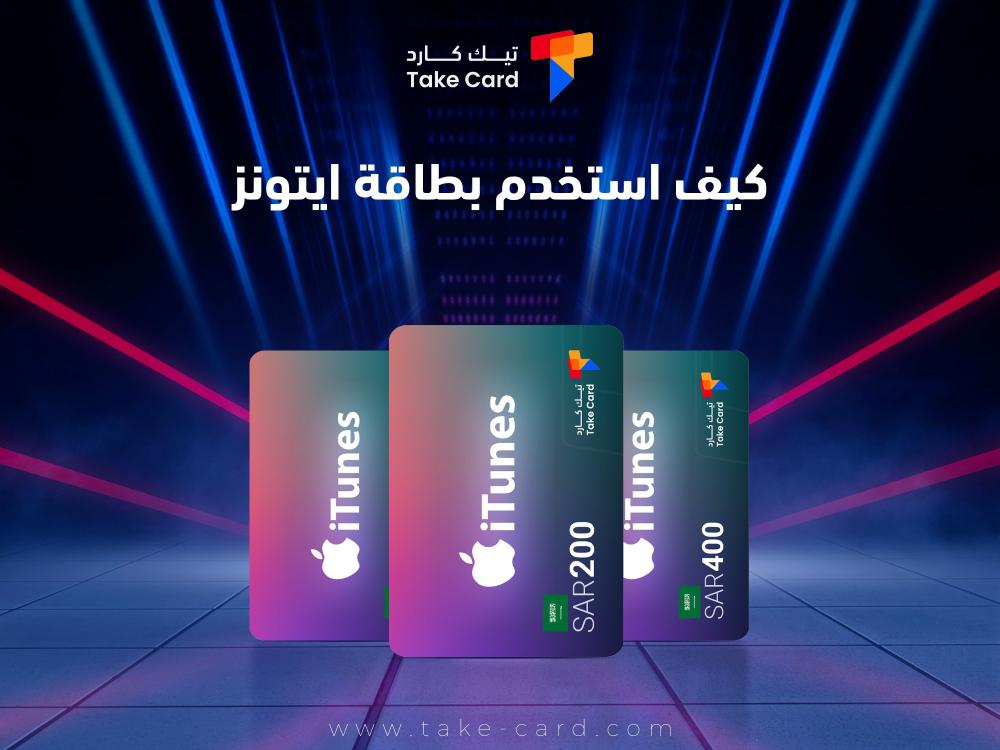
How do I use an iTunes card? This is one of the questions that has become very common recently, especially since these cards, also known as Apple Gift Cards, are a popular and safe way to top up your balance on Apple devices and buy apps, games, music, movies, and subscriptions from the App Store or iTunes Store.
These cards are ideal for gifting or personal use, especially for those who prefer not to link a bank card to an Apple ID account.
In this article, we will review with you what you need to know about how to use an iTunes card step by step, from receiving the card to making the most of it.
What is an iTunes gift card?
An iTunes Gift Card is a prepaid digital payment method used to top up your account balance on various Apple services in an easy and secure way without the need to link a bank card or enter sensitive data.
This card contains a fixed digital credit value that is added directly to your Apple ID account upon redemption, giving you the ability to purchase apps, games, music, ebooks, movies, or even subscribe to Apple services such as Apple Music and iCloud.
iTunes cards are available in a variety of price categories to suit different user needs, and some of the most popular values available are: 50, 100, 200 riyals or US dollars, depending on the country where the card is issued.
The cards also come in two main formats:
- Physical (plastic) cards: These are sold in online stores or authorized sales centers, and contain a hidden code that is scratched off when used.
- Digital (electronic) cards: These are sent to your email address immediately after purchase and contain a unique code that can be copied and used directly on Apple devices or online.
It is always important to ensure that the card is compatible with the country of the Apple ID account, as each country's cards only work on accounts belonging to that country.
How do I use an iTunes gift card?
Regarding the answer to the question of how to use an iTunes card, it is as follows:
On iPhone, iPad, or iPod Touch
- Open the App Store app.
- Click on your profile picture (top right).
- Choose Redeem Gift Card or Code.
- Sign in using your Apple ID if prompted.
- Scan the code using the camera or enter it manually.
- The balance will be added to your account immediately.
On a Mac
- Open the App Store app.
- From the sidebar, choose your name or sign in.
- Click on Redeem Gift Card.
- Enter the code or use the camera to scan it.
From the browser (online)
- Go to the following link here
- Sign in using your Apple ID.
- Enter the card code.
- The balance will be activated immediately.
What can you buy using an iTunes card?
Your card balance can be used for:
- Buy apps from the App Store.
- Subscribe to Apple services such as Apple Music, Apple TV+, iCloud+, and Apple Arcade, with the option to purchase books from Apple Books.
- Buy movies and TV series from the iTunes Store.
- Top up your Apple ID balance for later use in any digital service.
Important notes when using an iTunes card
iTunes cards are specific to the country they were issued from. For example, a Saudi iTunes card does not work on an American account and vice versa. Also, the balance cannot be converted into cash, and the balance is linked to the same Apple ID account and cannot be transferred to another account.
Therefore, you should make sure that your account is in the same country as the card, as changing the country after redeeming the balance may lead to its loss.
Checking the balance after refund
The method for checking the balance after redemption is as follows:
On iPhone: Go to Settings > Your Name > Media & Purchases > View Account > Apple ID Balance or from within the App Store app, the balance will appear below your name on the account page.
Can an iTunes gift card be used to purchase devices?
Digital iTunes cards are not used directly to purchase iPhones, iPads, or Macs, but you can use standardized Apple Gift Cards (available in some countries) to purchase Apple products from the official store. In Saudi Arabia, the cards are often used for digital purchases only.
Trusted places to buy iTunes gift cards
There are many reliable places to buy iTunes cards, but the most prominent is TechCard store, which provides a range of excellent services with the best price plan in the market.
Tips for using your iTunes gift card safely
- Do not share the code with anyone.
- Beware of scams that ask you to pay fines or bills using an iTunes card.
- Keep the receipt until you are sure the balance has been activated.
- Check the account and country before purchasing.
TechCard Services
TechCard store offers a variety of top-notch services, as follows:
iTunes 200 Saudi Riyals

The iTunes card for 200 Saudi Riyals offers a practical solution for those looking for an easy and safe way to top up their Apple account balance and benefit from the various iTunes services.
The card can be used via the "TechCard" store to top up the account without the need for additional information, as its code allows the purchase of apps, games, music, and e-books on various Apple devices.
Specifications of the iTunes gift card (200 Saudi Riyals)
- Value: 200 Saudi Riyals
- Shipping method: Redeem the code via your official Apple ID account.
- Safety and reliability: Shipping through the "TechCard" store is 100% guaranteed and secure.
- Validity: Valid for use on all Apple devices that support the iTunes Store.
- Category: iTunes Saudi
Features of the iTunes gift card (200 Saudi Riyals)
- Using the card does not require entering additional personal data during shipping, which increases user privacy and security.
- The card allows the purchase of various types of digital content such as music, games, apps, and ebooks.
- The process of activating the balance is done in simple steps directly from your iTunes account by entering the card code.
- The card offers multiple and fast payment options to ensure a smooth shopping experience at the "TechCard" store.
- Customer support is available 24/7 to provide assistance in case of any difficulties or inquiries during the shipping process.
- The card is issued by a store known for providing a wide range of high-quality and reliable electronic cards.
How to activate iTunes (200 Saudi Riyals)
- First, visit the Apple Store.
- The next step is to log in to your account information in the Apple Store.
- Next, you need to redeem the gift card code you want.
- Finally, enter the code you copied from TechCard in the Redeem box to get a successful top-up to your account.
Finally, an iTunes card is a convenient and secure way to top up your Apple ID and take advantage of the world of apps and digital content.
If you are using it for purchases, gifts, or subscriptions, understanding how to activate it correctly will save you problems and give you a smooth experience. You can follow this guide provided by TechCard and you will be able to use your card efficiently and smoothly.
This concludes our article on how to use an iTunes card. You can contact TechCard to learn more about our services.
Read also: Step-by-step guide to adding a Google Play payment method