
Many users are looking for an answer to the question: How do I update Google Play services in a safe way that preserves their data and ensures system stability? Updating Google Play services is not just a technical procedure, but a necessary step to protect your devices from vulnerabilities and ensure that all applications work more efficiently.
In the following lines, we will explain how to easily update these services, focusing on the correct steps that will give you consistent performance and a safer user experience.
How do I update Google Play services?
You can update Google Play services directly through the Google Play Store app on Android devices. Open the app, tap your profile picture in the top left corner, and select "Settings." Then, go to the "Overview" section and look for the "Update Play Store" option. If a newer version is available, the update will begin automatically.
You can also type "Google Play services" into the Play Store search bar, access the official app page, and easily update it from there. To manually check the current version, go to your device settings > Privacy & security > System services > Google Play services to see if an update option is available.
How do I enable automatic updates?
To ensure that Google Play services are always up to date without the need for manual intervention, you can activate automatic updates by following these steps, which are among the best methods for those wondering: How do I update Google Play services?
- Open the Google Play Store app on your devices.
- Click on the account picture in the top corner.
- Select the settings from the menu.
- Go to the "Automatically update apps" section.
- Choose one of the options: "Over any network" to update everyone at any time, or "Over Wi-Fi only" to avoid using up your phone's data.
In this way, all essential applications, including Google Play services, are automatically updated as soon as a new version becomes available.
What should I do if no update appears?
If the update doesn't appear or doesn't complete, try a few simple steps before worrying. Sometimes the problem is temporary or due to a cache issue:
- Restart the device; this may resolve any system malfunctions.
- Make sure that the Android system itself is updated to the latest available version.
- Clear the cache for Google Play services via Settings > Apps > Google Play services > Storage > Clear cache.
In all cases, it is always preferable to use the official store and not download Google Play services from untrusted sources to avoid any security risks or system problems.
Why is updating Google Play services important?
Updating Google Play services is not just a simple technical procedure; it's essential for maintaining the stability and security of Android devices. Regular updates apply the latest security patches and fix known vulnerabilities like CVEs, preventing potential cyberattacks and ensuring device reliability. These updates also guarantee full compatibility with Google Play Store features and the digital cards that are crucial for daily use.
Continuous updates are also linked to improved overall performance, as bugs are addressed, connectivity is enhanced, and system stability is improved with each new release. With support for modern technologies like artificial intelligence and cloud synchronization, updating Google Play Services provides a faster and smoother experience, highlighting the importance of knowing how to update Google Play Services to ensure optimal performance, reduce battery consumption, and minimize the need for device restarts.
How does it improve security?
Regular updates to Google Play services enhance the protection of your devices by implementing automatic security patches and ongoing defenses against malicious apps. Additional layers of privacy protection and app permission control are also activated, resulting in a safer and more stable user environment.
- The Google Play Services update provides immediate fixes for known vulnerabilities such as CVE to protect the system from exploitation.
- It enhances the Google Play Protect feature to detect and remove suspicious apps before they cause any harm.
- It supports tools such as a privacy panel and a phone lock feature to protect your personal data.
- It takes advantage of the Mainline project, which allows for the implementation of stealth security updates without the need to update the entire system.
What is its effect on performance?
The latest version of Google Play services improves system efficiency by enhancing connectivity and app compatibility with the latest Android versions. This update reduces unexpected crashes and increases app responsiveness. It also helps manage resources more effectively, leading to reduced battery consumption, and allows your device to run smoothly with the latest AI technologies and advanced cloud features.
What is the relationship between updating Google Play services and Google Play gift cards?
Updating Google Play services is directly linked to the functionality of Google Play gift cards, as these services are the foundation upon which purchases and credit additions within the app store depend. Without regular updates, you may encounter difficulties using your gift cards or completing transactions successfully. Therefore, it is essential to know how to update Google Play services to ensure they continue to function efficiently and without any problems.
How does the update affect app purchases?
When Google Play services is updated, the performance of the system that manages in-store payments is improved. This update ensures that purchases of apps, games, and movies are made smoothly and without interruption. It also helps reduce the likelihood of payment errors and contributes to the security of your data during purchases.
- The update helps activate the latest security protocols during the transaction.
- It enhances the connection between the store and the payment servers to ensure the success of the transaction.
- It reduces the likelihood of purchase failure or app crashes during checkout.
Is an update necessary to use credit cards?
Yes, because Google Play cards rely on Google Play services for the redemption and code verification process. If the service is outdated, the system may not be able to read the card correctly or credit the account.
The update makes adding credit instantly easier and prevents errors that might appear as rejection messages or connection failures. Therefore, the service update ensures a safe and fast top-up experience without the need to try multiple times.
What are the risks of ignoring the update?
Ignoring Google Play services updates not only affects the performance of the app store, but also opens the door to multiple risks, which highlights the importance of knowing how to update Google Play services to avoid these problems and maintain the security and efficiency of the device:
- Google Play Protect can be disabled, reducing device protection against malicious apps.
- Payment and card data may be subject to security breaches or exploitation attempts.
- The user loses the ability to take advantage of promotional offers or new features associated with the store.
In other words, keeping Google Play services up to date ensures security and convenience while using Google Play cards and making any digital transaction through the store.
What are the best Google Play gift cards?
TechCard offers a wide variety of genuine Google Play gift cards suitable for all uses, whether for express top-ups, gifts, or purchasing apps and digital content. These cards are added directly to your Google Play account balance, with guaranteed security and instant activation for a safe and seamless experience. Discover our top products in the Digital Stores section.
Google Play card 75 Saudi Riyals
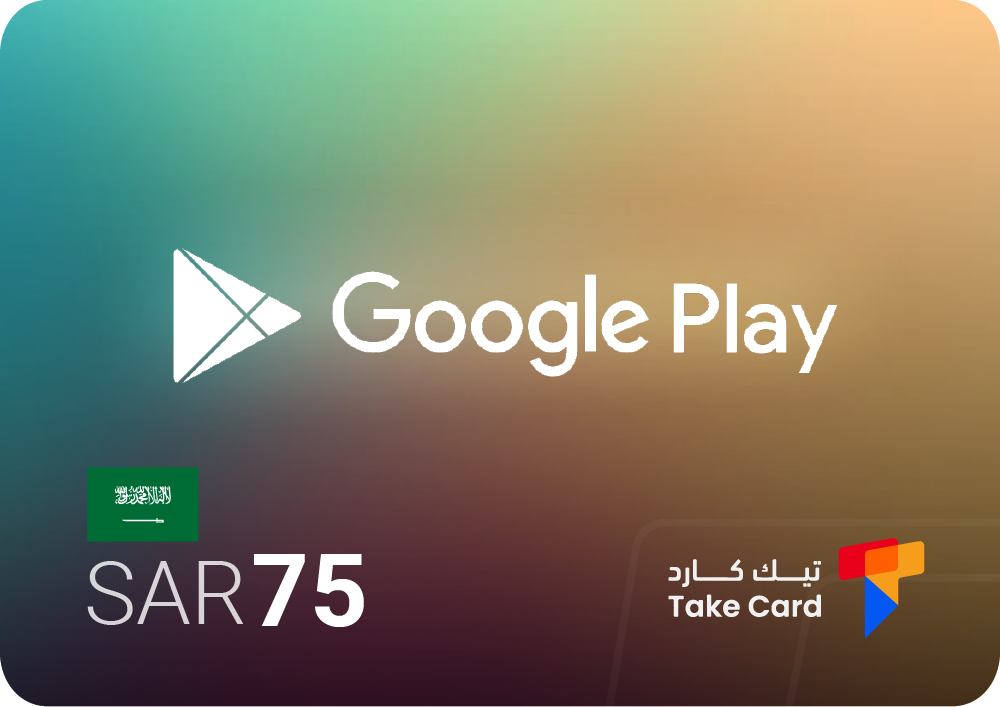
Google Play card 75 Saudi Riyals It is an ideal option for easily topping up your Saudi account, and enables you to purchase paid apps, games, ebooks, and movies from the Google Play Store. It features fast activation and secure payment processes, in addition to 24/7 technical support available through the TechCard store.
Google Play card 400 Saudi Riyals
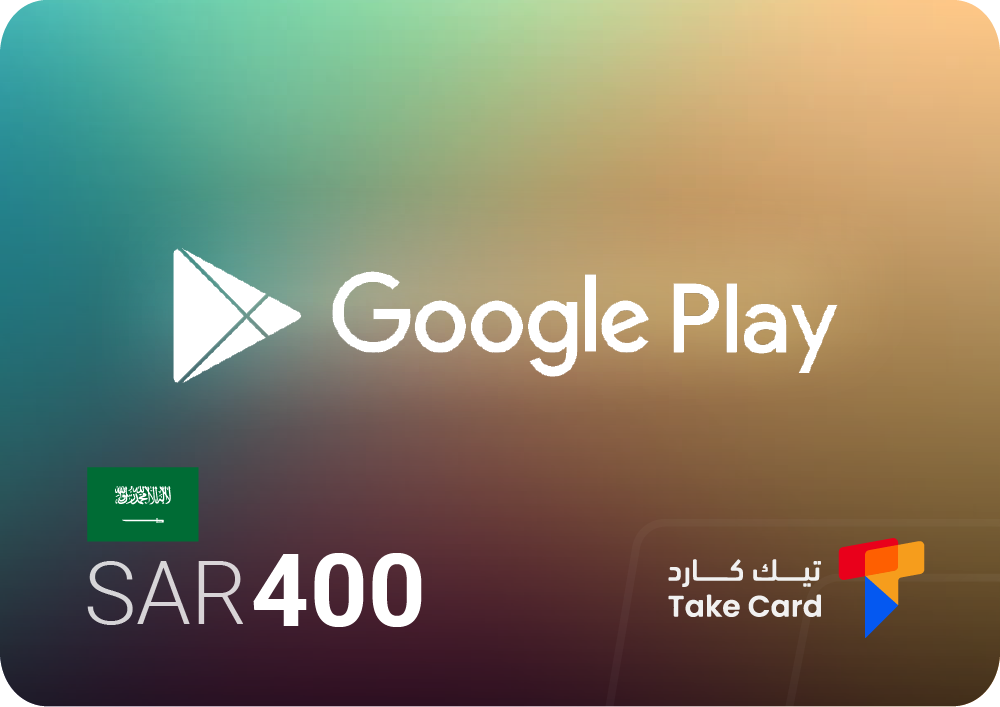
As for the card Google Play 400 Saudi Riyals It is best suited for those who prefer to buy in bulk or subscribe to long-term services on the Google Play Store. It is easily added to your balance and provides a safe and convenient way to acquire your favorite apps, games, video services and digital content.
Google Play card 30 AED
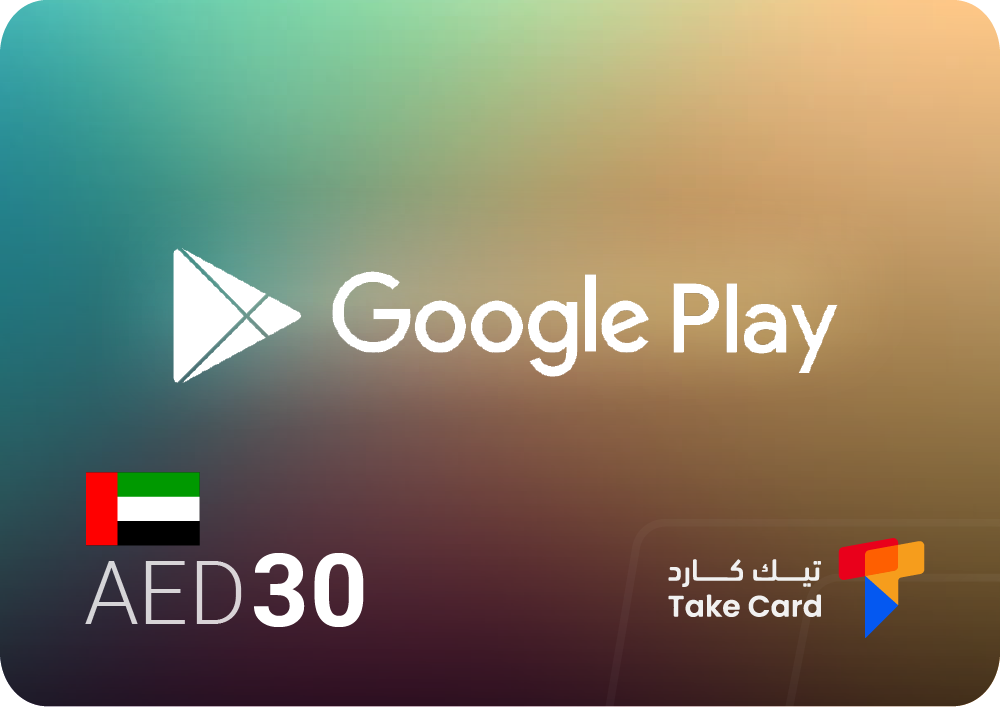
A Google Play card worth 30 UAE dirhams is suitable Google Play users in the UAE can easily top up their balance and manage their budget. This balance can then be used to purchase apps, games, books, and entertainment content securely and quickly.
How do I use Google Play gift cards after the update?
After updating Google Play services, you can easily use Google Play cards to top up your balance and purchase apps and digital content without needing a credit card. Therefore, it is important to know how to update Google Play services to ensure a smooth and secure shopping experience without any complications.
What are the steps for safe shipping?
- Open the Google Play app on your phone.
- Tap on the profile picture in the top corner of the screen.
- Choose payments and subscriptions or payment methods from the menu that appears.
- Click on the option to use the code.
- Enter the Google Play card code exactly as it is written.
- Click on "Collect the Value" to have the balance added to your account immediately.
- Keep the code in a safe place and avoid sharing it with anyone to protect your balance from theft.
Are there any tips for maximizing the benefit?
- Keep an eye out for promotional offers in the Google Play Store to take advantage of additional discounts.
- Check the terms and conditions of seasonal offers before purchasing to ensure you get the best possible benefit.
- Use the balance to purchase monthly subscriptions or exclusive content to get more value for your card.
- Plan your purchases to distribute your budget intelligently between games, apps, and digital subscriptions.
Frequently asked questions about how to update Google Play services
What are Google Play services and why are they important?
Google Play Services is a background system on Android devices that allows apps to function correctly. Without it, some apps might stop working or lose important features like notifications or login.
Can Google Play services be updated manually?
Yes, it can be updated manually through the Google Play Store by searching for "Google Play services" and going to its page, then clicking on "Update" if available.
Is updating Google Play services safe?
Yes, the update is completely safe if done through the official store. In fact, it's essential to protect your device from security vulnerabilities and improve overall performance.
Updating Google Play services is essential for ensuring your phone's security and the stability of your apps. By keeping these services up-to-date, you benefit from the latest security features and technical improvements, as well as full compatibility with the new Google Play apps and cards that most system services rely on. Therefore, it's important to know how to update Google Play services to fully utilize these features without any problems.