
Many Apple device users may wonder how to quickly and securely top up their iTunes balance to take advantage of all the system's features, whether for purchasing apps, games, or music. With the increasing reliance on the App Store for a complete digital experience, topping up your iTunes balance has become essential for anyone who wants access to premium content without restrictions.
Although the process of adding funds to iTunes may seem complicated at first due to differences between countries and the requirement to match the card with an Apple ID, leading many to search for the correct way to add funds, the solution is simple when using trusted methods and authorized stores like TechCard. Through these platforms, you can easily add funds to your balance without needing a bank card, giving you a secure and flexible experience to manage your purchases on the Apple Store with ease.
How do I top up my iTunes account safely?
It's essential that your Apple ID matches the country where the iTunes gift card was issued. For example, if the card is US-based, your account must be registered with the US App Store. Any discrepancy between your account's country and the card's country will automatically reject the transaction.
What are the steps to load the American card?
- Open the App Store app or iTunes program on your device.
- Log in to your US account using your Apple ID credentials.
- Go to the account menu and select “Redeem Gift Card or Code”.
- Enter the code on the card manually or use the camera to scan it.
- Once the code is verified, the balance will be added directly to your US account.
- Make sure to activate the shipping immediately upon receiving the code so that it is not subject to illegal use.
What are the steps to top up the Turkish card?
- Open the App Store or iTunes app and log in to your Turkish account.
- From the settings, select “Replace gift card or code”.
- Write the Turkish card code exactly as it appears on the card.
- After pressing Redeem, the credit will be added immediately to your Turkish Lira balance.
- It is preferable not to use a VPN while charging to avoid any additional country verification step.
Country matching problems and solutions
If the country of the card and the Apple ID differs, the system will not accept the shipment at all. In this case, there are two options:
- Create a new account in the same country where the card was issued, such as an American account for an American card.
- Or change the current account region to the card's country, updating the postal address and postal code to match that country.
It is always advisable to activate the code immediately after purchasing it and avoid saving it for a long time, especially for those wondering how to recharge iTunes safely, because some codes have a limited expiry date or may be misused if leaked.
Why should I buy iTunes cards from TechCard?
TechCard is one of the most trusted platforms for purchasing digital iTunes gift cards, combining security and ease of use. You can choose the card that suits you best and pay using a variety of convenient methods, receiving the shipping code instantly via email or text message.
The store offers continuous 24/7 technical support, guiding you through every step of the ordering and activation process, making your purchase a seamless experience. TechCard also features competitive pricing and regular promotions, including iTunes gift cards and a wide range of other digital cards.
When you purchase from TechCard, you can rely on the highest security standards in protecting your personal data and the speed of the shipping process, especially if you are looking for how to top up iTunes in an easy and safe way, so that you can start using your balance in the iTunes store directly without any waiting.
What are the best iTunes gift cards?
TechCard offers a variety of iTunes gift cards in different amounts and denominations to suit all users, whether you want to top up a small amount to try out a few apps or a larger amount to purchase various content from the Apple Store. These cards feature instant code delivery and can be activated directly via your region-specific Apple ID. Discover them in the Digital Stores section .
US iTunes 50
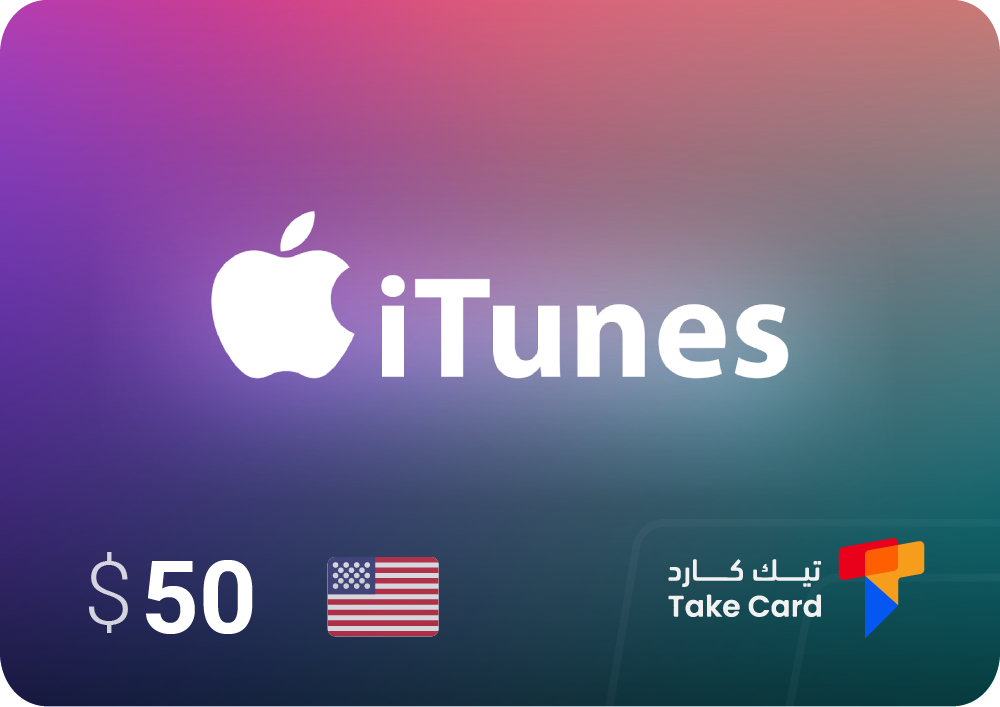
A $50 iTunes gift card is an excellent option for those who want to top up their US account with a moderate amount, giving them greater freedom to purchase games, apps, and music. It's safe and easy to use, requiring only a few steps to add funds and start enjoying digital content on the App Store or iTunes.
iTunes US 15
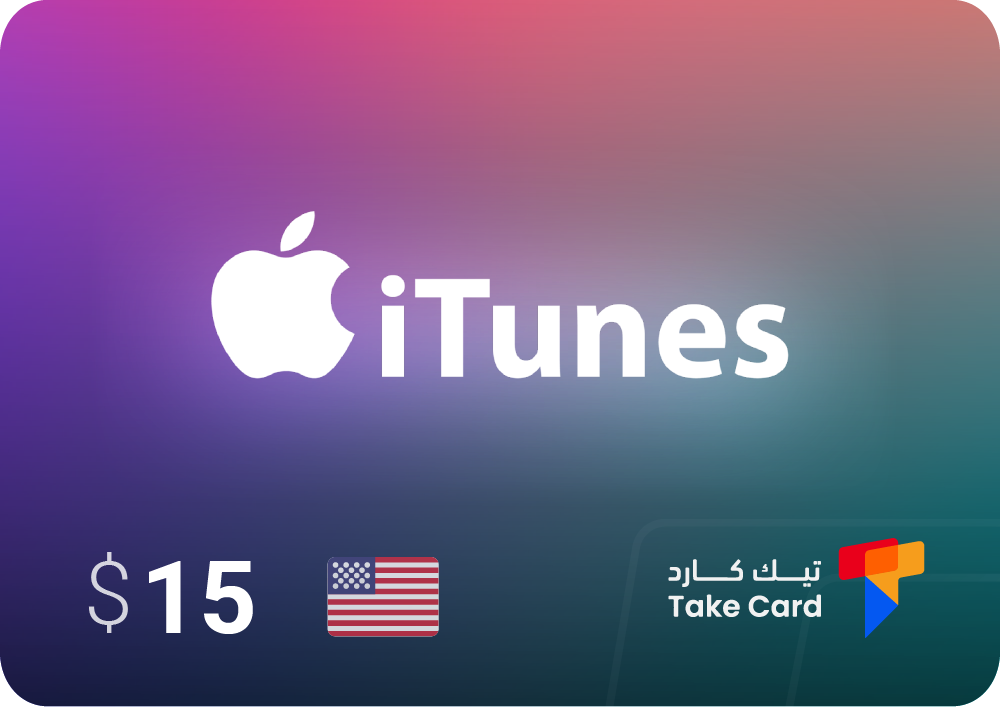
If you're looking for a low-priced option suitable for limited shipping or trying paid apps for the first time, the $15 iTunes gift card is the perfect choice. This card is easily available from the TechCard store and allows you to purchase apps, music, and movies without needing a bank card.
Turkish iTunes card
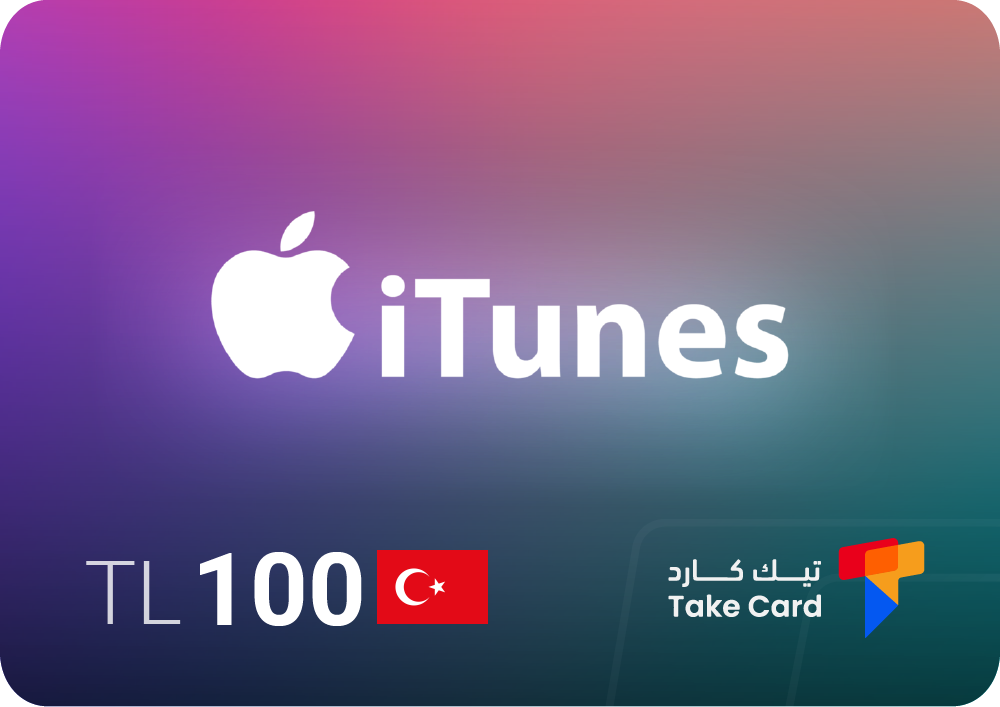
A Turkish iTunes gift card is designed for accounts linked to the Turkish iTunes store and can be used to top up credit and purchase various types of digital content within the store. The 100 Turkish Lira iTunes gift card is suitable for users with regional accounts in Turkey.
How can I avoid iTunes charging problems?
Sometimes you might encounter a problem when adding funds to your iTunes balance because you're using a card that doesn't match your Apple ID's region. This is a common issue for many users searching for how to add funds to their iTunes accounts correctly. Therefore, before purchasing, you should ensure that the country or region listed on the card exactly matches your Apple ID account settings to avoid geographical error messages or payment deductions.
Code security and usage
The security of your card code is crucial to a successful redemption process. We recommend purchasing iTunes gift cards from trusted sources like TechCard to ensure the code hasn't been used or tampered with before. Do not share your card code with anyone, and it's best to activate it immediately upon receipt to prevent unauthorized use.
Steps to take in case of an error
- Make sure the country of your Apple ID account matches the region of your card.
- If the error message persists, try creating a new account that corresponds to the card region.
- If the above steps are unsuccessful, contact the card store's technical support directly for immediate assistance and to resolve the issue as quickly as possible.
Frequently asked questions about how to top up iTunes
What is iTunes top-up?
iTunes top-up is the process of adding credit to your Apple account using gift cards, to be used to purchase apps, games, music, or subscriptions from the App Store.
Can I top up my iTunes account without a bank card?
Yes, iTunes credit can be easily topped up using digital gift cards purchased from trusted stores like TechCard without the need for a bank card.
Why is my iTunes gift card code sometimes rejected?
This often happens because the country doesn't match the card and the Apple ID account. The account region should match the card's issuing country (e.g., a US card with a US account).
Charging iTunes is easy and safe when you follow the correct steps and buy iTunes cards from a trusted store like TechCard, which is what many people are looking for when they ask how to charge iTunes in a guaranteed way, as you get a ready-to-use balance that allows you to enjoy digital content on all Apple devices without any complications or delays.
Read also: How to play FIFA Mobile: Secrets to make you one of the best