
Interest in digital games has grown significantly in Saudi Arabia, and with this rise in the number of players, the most frequently asked question has become: how to download games from Steam reliably and quickly? Many of you are looking for a method that combines secure payment with easy downloading, especially given the variety of payment platforms and cards available.
In this guide, you'll learn in detail how to download games from Steam step by step, from creating an account to activating and downloading games. We'll also share practical tips on secure payments and choosing the best digital cards to ensure a smooth experience on the world's most popular platform.
How do I download games from Steam?
To download games from Steam, you'll first need an active Steam account and the Steam client installed on your computer. After installing the client, you can create a new account by entering a valid email address and confirming your registration via the email you receive. Once logged in, you can access your library and purchase or download games directly.
How do I start downloading a game?
- After logging into your Steam account, click on the "Library" option in the top bar.
- A list will appear containing all the games you own in the account.
- Choose the game you wish to download, then press the "Install" button.
- You can select the appropriate installation folder by clicking on "Choose location to Install".
- Read the Terms of Use, then agree to them by clicking "I AGREE".
- Click "NEXT" to begin the actual download process.
- The download progress can be tracked through the "DOWNLOADING" section in the program interface.
- If you have an activation code from an external source, you can add it before downloading via the "Activate a Product on Steam" option.
- It is preferable to copy and paste the code directly to avoid any errors during the activation process.
How do I choose where to install the game?
Before the download begins, Steam gives you the option to choose where you want to install the game. You can use a default folder or create a new one on another drive if space is limited. This option helps organize games and better allocate storage space between available drives.
When should I monitor the download progress?
After clicking the "NEXT" button, the download will begin immediately. You can monitor the progress of the download through the "DOWNLOADING" tab in the main Steam window. If you're wondering how to easily download games from Steam, this step explains that the process is automatic after confirmation. A progress bar will appear showing the percentage and download speed, helping you get an approximate time for the download to finish before you start playing.
How can I easily top up my Saudi Steam balance?
- Open the Steam program or go to its official website and log in to your personal account.
- From your profile, select the Steam Wallet option and then click on Redeem a Steam Gift Card or Wallet Code.
- Enter the code number printed on the Saudi card accurately, then press Continue to have the balance added directly to your account.
- The appropriate card can be chosen for the required shipping value, such as 20, 100, or 200 Saudi Riyals, and it is usually available immediately after purchase from trusted stores.
Are there any requirements for the area?
Please note that Steam Saudi Arabia gift cards are only valid for accounts linked to the Saudi Arabian store (KSA). If the account is registered in a different region, the code will not be accepted, so it is recommended to check your store settings before starting the shipping process.
What do I do after shipping?
After adding funds to your Steam wallet, you can use them to purchase new games, upgrades, or even send gifts to friends on the platform. If you're wondering how to download games from Steam after adding funds, simply select the game and complete the purchase to add it directly to your library. The added funds are automatically deducted upon checkout, making the purchasing experience quick and easy for all Steam content.
What impact does shipping from Saudi Steam have on security?
Using Saudi Steam cards for top-ups provides an extra layer of security and protects users' digital privacy. Each transaction is processed using unique secret codes without requiring any bank or credit card information, thus reducing the risk of hacking or cyber theft. This method also allows for complete control over spending within the platform without any financial risk.
In addition, Saudi Steam cards facilitate a direct and fast top-up process, supported by dedicated technical support services for users in the Kingdom. This significantly reduces the delays or rejection issues you might encounter when using international payment methods, and ensures you receive the full credit amount without any additional fees or deductions resulting from bank transfers.
Is shipping available without bank details?
Yes, using Steam cards in Saudi Arabia doesn't require entering any bank details or financial information. All you need to do is enter the PIN provided with the card into your Steam account, and the funds will be added to your balance immediately. If you're wondering how to download games from Steam after adding funds, once your balance is added, you can go to the store, select the game, and easily begin downloading it. This method protects you from any fraudulent attempts and keeps your data completely confidential.
Are there any problems with shipping?
Steam cards in Saudi Arabia typically don't encounter any problems during top-up, as they are specifically designed to work with Saudi Arabian accounts. This avoids region errors or transaction rejections that can occur with international cards. Furthermore, the balance is added instantly after entering the correct code, ensuring a smooth and hassle-free experience.
What are the best Steam cards in Saudi Arabia?
The store TechCard is one of the most trusted destinations for purchasing Saudi Steam cards of all denominations, offering a quick and easy purchasing experience with 24/7 technical support. It also features competitive prices and secure payment methods that allow for instant top-ups without requiring bank details. Find it in the App Top-Up Platform section.
Buy Steam Saudi cards
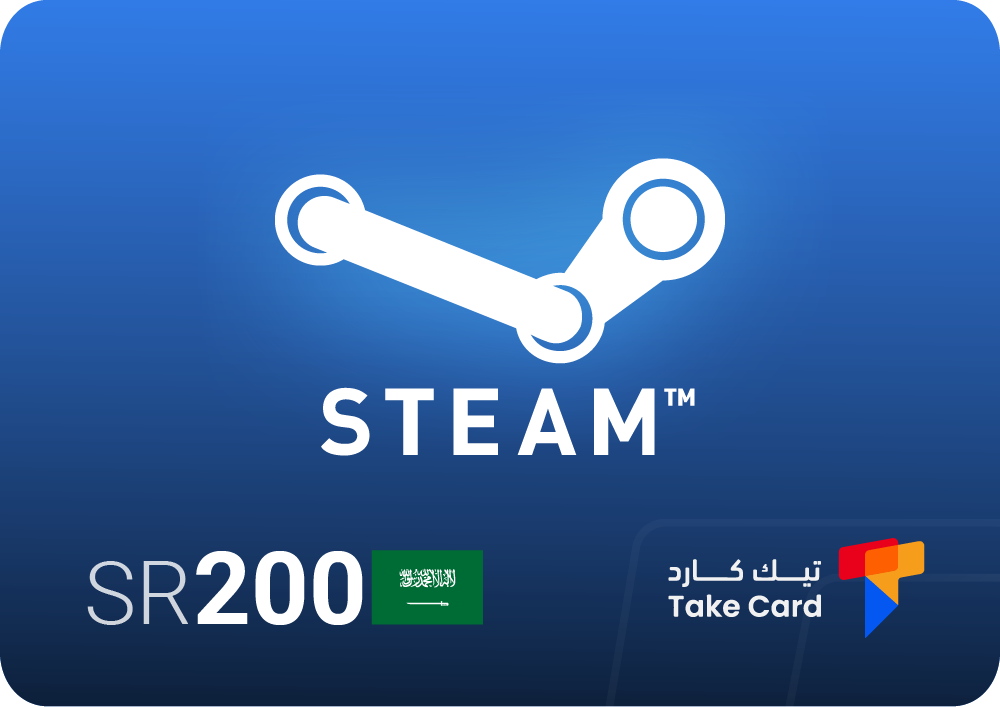
It is Purchasing a 200 Steam gift card is ideal for those who want to add a large balance to their Steam account and enjoy games and special offers without delay. After purchase, the code is sent immediately to activate the card directly through the account, and the balance is added instantly and securely.
Saudi Steam cards
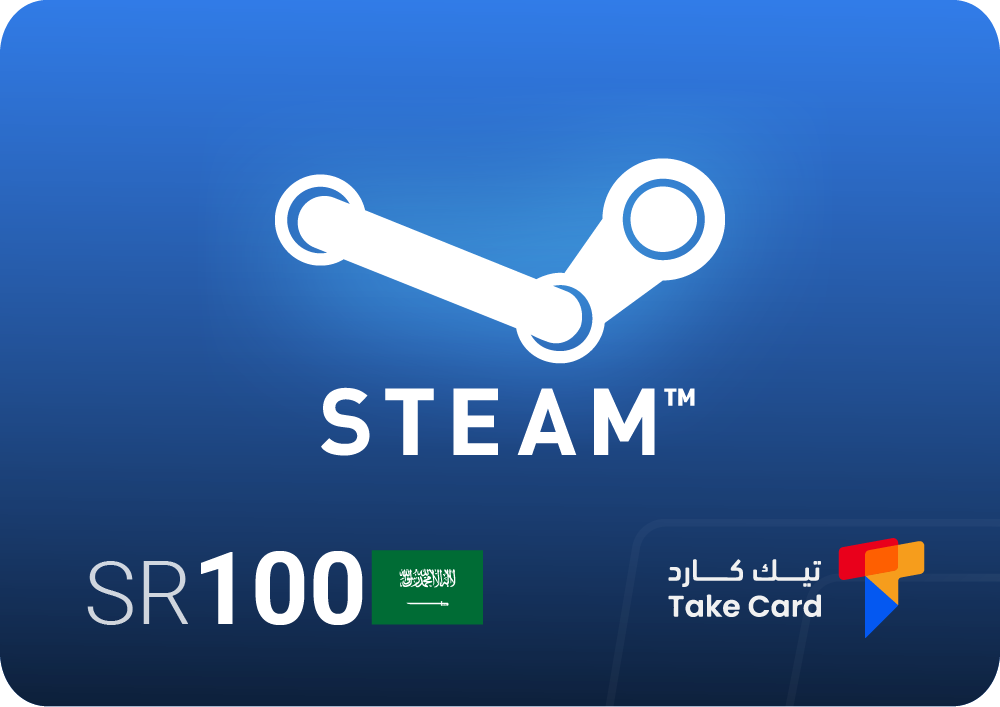
Availability Steam cards in Saudi Arabia worth 100 riyals are an ideal option for those looking for a medium-sized credit to quickly and securely top up their account. The card arrives immediately after purchase and can be used right away without any waiting, making it convenient for buying games or add-ons at any time.
Saudi Steam Card
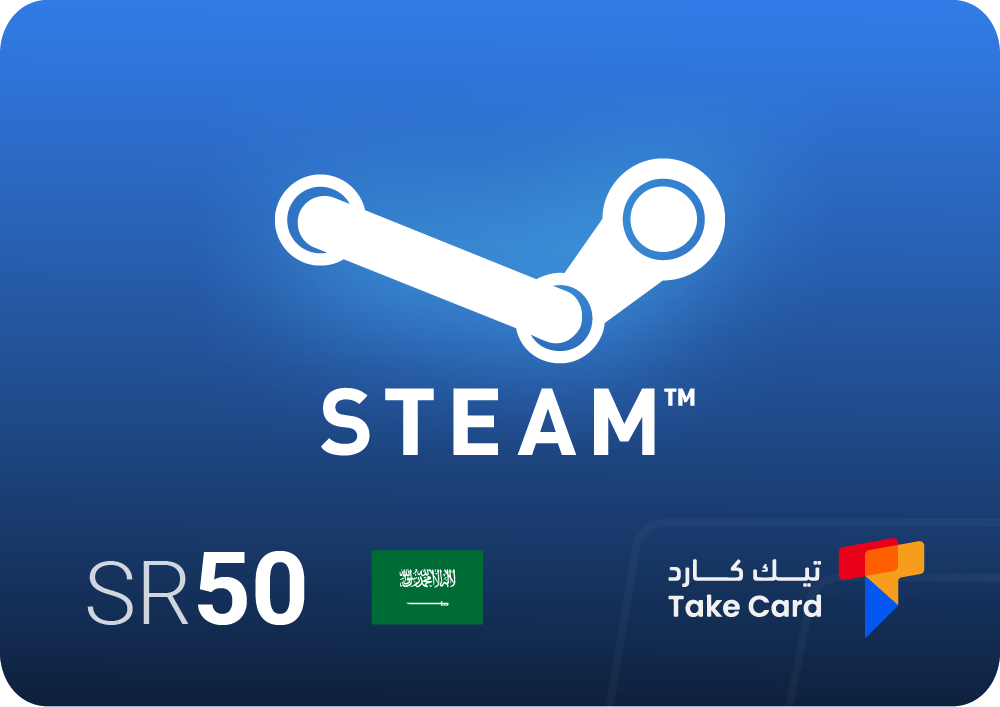
The 50 Steam credit is ideal for those who want to add a small amount to their Steam account or give it as a special digital gift to a friend. It's easy to use and activates instantly without any complications.
How can you ensure the safety of downloading Steam games?
Keeping your account secure when downloading Steam games is essential to avoid fraud or data loss. There are several simple but effective steps that can help protect your experience.
- Do not share your Steam account login details or passwords with anyone for any reason.
- Use prepaid recharge cards such as Saudi Steam cards, as they are a safe way to protect you from bank card problems or any financial hacking attempts.
- Make sure to update your Steam software regularly to take advantage of the latest security features and protect your system from vulnerabilities.
- Avoid buying codes or cards from unreliable websites, as many of them may try to scam people with fake codes.
- Change your password from time to time, and don't forget to enable two-factor authentication to further secure your account.
Are there any common mistakes?
- Sharing account or payment details with friends without being aware of the risks.
- Download games or add-ons from outside the official Steam store.
- Ignore the warning messages or security notifications sent by the app.
- Use one password for all your online accounts.
Tips to avoid fraud
When using Steam, it's always best to stick to the platform's official system. Avoid clicking on unknown links received via email or in forums, as these are often phishing attempts. If you're looking for ways to download games from Steam safely, it's crucial to stick to the official store and avoid downloading files from external sources. It's also recommended to purchase only from the Steam store itself or through other official and trusted methods.
How do you protect your information?
The first step to protection is digital awareness. Keep your sensitive information in a safe place and don't type it in public or on untrusted devices. Enable two-factor authentication; it adds an extra layer of security when logging in. Finally, make sure the software installed on your devices—especially antivirus software—is always up to date to protect your data while downloading games from Steam.
Frequently asked questions about how to download games from Steam
How can I download games from Steam?
To download games from Steam, log in to your account, then go to the Library section to select the game you want to download. After that, click the "Install" button to start the download immediately, and you can easily track the download progress from the application interface.
Is downloading games from Steam free?
Not all games on Steam are free, but there are many free-to-play games. Paid games, however, require purchase before downloading.
Do Saudi Steam cards work on all accounts?
No, Saudi Steam cards only work with accounts linked to the Saudi store (KSA), and you should check your region settings before use.
Learning how to download games from Steam becomes an easy and secure experience when you follow the correct steps and use trusted Saudi cards. You can activate these cards through an authorized store like TechCard to ensure a smooth purchase process that protects your data and allows you to enjoy gaming without any risks.