
Have you ever wondered how to create a Steam account to experience the latest digital games and take advantage of exclusive offers? The platform connects millions of players worldwide and is your gateway to a world of entertainment and challenge, whether you're a fan of adventure, fighting, or simulation games. With the significant growth of the video game market in the Arab region, having a Steam account has become essential for anyone who wants to enjoy a smooth and secure experience.
In this guide, you'll learn the correct way to create a Steam account from scratch, highlighting the most important points to consider during registration and choosing payment methods, especially for Steam users in Saudi Arabia. We'll also share tips on how to securely top up using electronic cards to ensure a hassle-free experience. All it takes is a few simple steps to become part of the vast world of Steam.
How do I create a new Steam account?
To begin creating a new Steam account, go to the official website at store.steampowered.com/join and start the simple registration process. This guide explains how to create a Steam account step-by-step in a clear and quick way.
What data is required?
- Enter a valid email address that has not been previously used on the Steam platform.
- Choose a unique username that represents you and is not duplicated within the STEAM database.
- Create a strong password that contains a combination of uppercase and lowercase letters and numbers to ensure account security.
- Specify the correct date of birth as shown in your personal data.
- Agree to the terms and conditions and enter the security code (CAPTCHA) to complete the order.
How do I choose the region?
When registering for Steam, your region is automatically determined based on your IP address. If you are located in Saudi Arabia or any other Middle Eastern country, the appropriate region will be selected automatically. However, you can manually change your region to another country, such as the United States, if you wish to view US rates. Be aware that using a payment method that does not correspond to your region may result in account restrictions or bans, so it is recommended to stick to your actual region.
How to confirm and activate?
After entering all the required information and submitting the request, you will receive an email from Steam containing an activation link. Click on it to complete the activation process immediately. Your account will then be ready to log in to your personal store and download games. You can also download the Steam app on your phone or computer to easily log in and access your game library at any time. With this simple method, you now know how to create a Steam account correctly and securely.
How do I secure my new Steam account?
Now that you know how to create a Steam account, it's important to secure it to prevent any hacking attempts or unauthorized use. The first step is to activate Steam Guard and link it to a trusted Saudi Arabian phone number. This helps protect your account even if your password is leaked. It's also recommended to enable email alerts to receive instant notifications whenever someone tries to log in or changes your settings.
Also, be sure to choose a strong password that includes symbols, numbers, and letters, and make sure it's different from your other passwords. You can review the platform's privacy settings to determine who can see your activity or personal information, and avoid logging into your account through public or unsecured networks to keep your data safe.
What is the benefit of two-factor authentication?
Two-factor authentication on Steam adds an extra layer of protection to your account after you create it. Even if someone obtains your password, they won't be able to log in without the code sent to your phone. This makes your account more secure against theft attempts, especially if you have paid games or content.
How do I protect my personal data?
To protect your personal data, avoid sharing your email address, password, or temporary login codes with anyone. Only use the official Steam app or website, and review your privacy settings to determine what is visible to friends or the public. Using a trusted network and avoiding suspicious links will also help keep your information completely private.
How do I securely top up my Saudi Steam account?
To securely top up your Saudi Steam account, it's always best to use Steam prepaid cards specifically designed for the Kingdom. These cards allow you to add funds to your wallet in Saudi Riyals without needing to enter any bank details or credit card information. After logging into your account, you can select the option to redeem a Steam Gift Card or Wallet Code, then enter the code found on the bottom of the card to activate the funds instantly.
When searching for how to create a Steam account and then top it up in Saudi Arabia, committing to using cards that are compatible with the account's geographical area is a necessary step to avoid balance rejection or usage problems.
What shipping methods are available?
- The Saudi Steam account can only be topped up using Saudi Steam prepaid cards, as they support the local currency.
- These cards can be purchased from trusted online stores such as TechCard , which provides instant and secure digital codes.
- After obtaining the code, it is entered into the account through the card redemption page to add the balance directly to the wallet.
- If the code is delayed after purchase, it is recommended to check the spam folder or contact the technical support of the store from which the purchase was made.
Are Steam cards in Saudi Arabia guaranteed?
Steam cards in Saudi Arabia are considered completely safe and secure when purchased from a trusted source. They are specifically designed to work with user accounts within the Kingdom and operate directly in Saudi Riyals. Using these cards ensures that your balance is topped up without any risk related to your financial information, as no personal payment details are required. The security of this method depends heavily on the reliability of the issuing store, so it's always best to choose reputable websites to avoid any issues with the code or balance.
What are the best Steam recharge cards in Saudi Arabia?
TechCard offers a selection of the best digital Steam cards in Saudi Arabia, with instant delivery and a guaranteed activation number for all users in the Kingdom and the Gulf countries. These cards are secure, easy to use, and allow you to top up your Steam account without needing a credit card. Find them in the App Top-Up Platform section.
Steam card $20
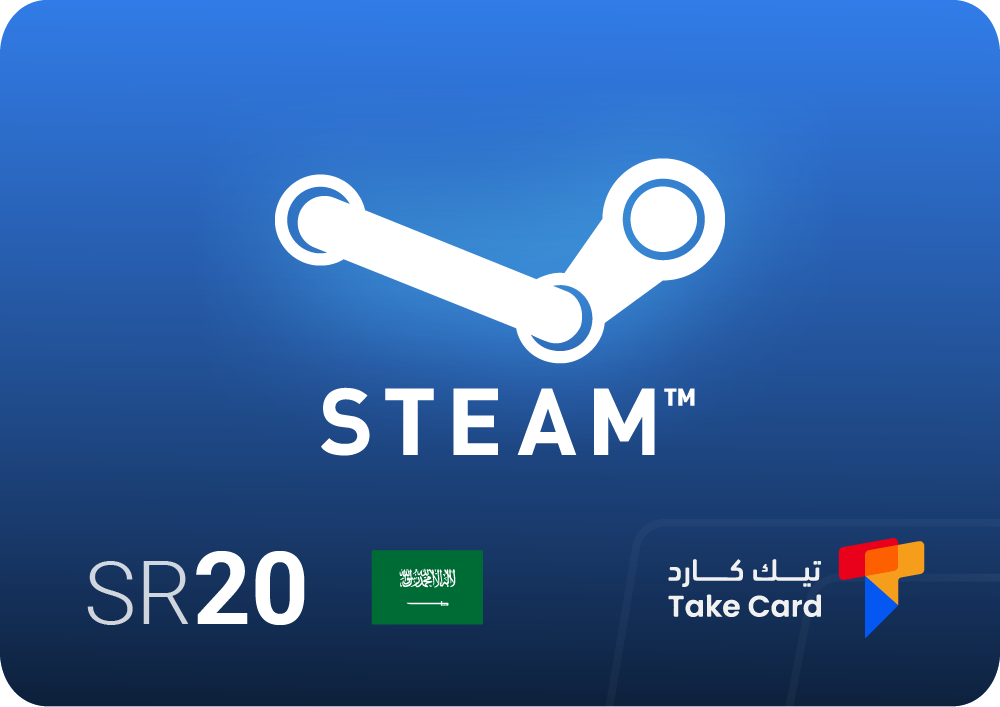
The $20 Steam gift card is used to quickly and easily top up your Saudi Arabia Steam wallet. Once your purchase is complete, you'll receive an activation code instantly via email, making it a practical option for those looking to buy games, add-ons, and other content on the platform. This card is flexible and offers a secure and straightforward payment experience.
Steam Saudi Shipping
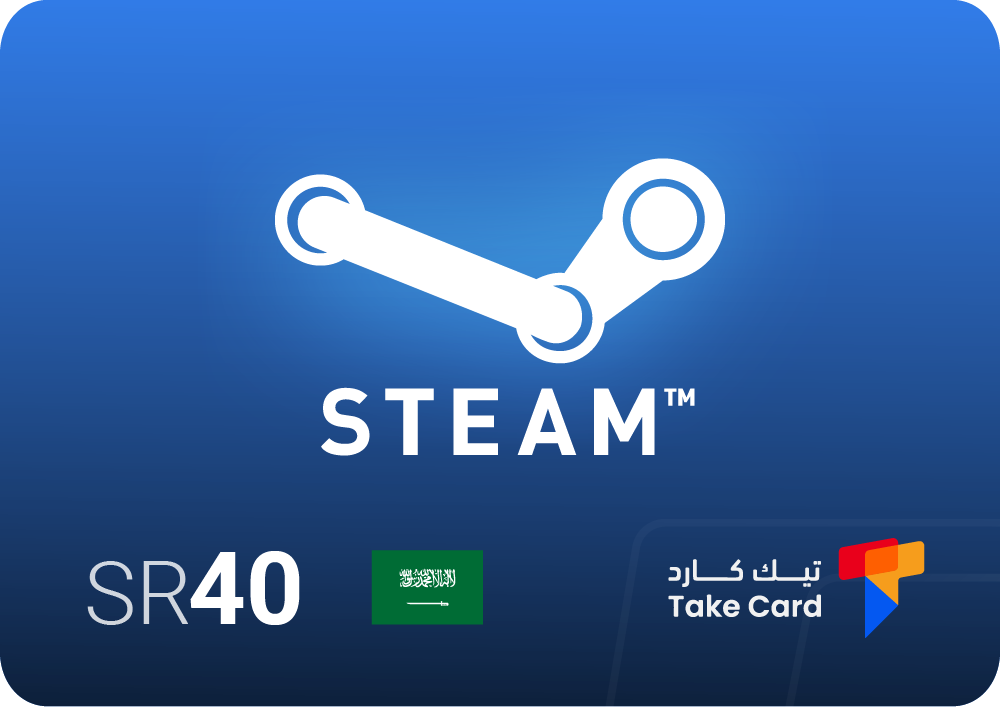
The Steam Saudi recharge card is an ideal option for quickly topping up your Steam Saudi account wallet. You can activate it electronically as soon as you receive the recharge code via email, without any additional steps or complicated procedures. The card gives you greater control over your in-game spending and quick access to digital offers.
Saudi Steam Card
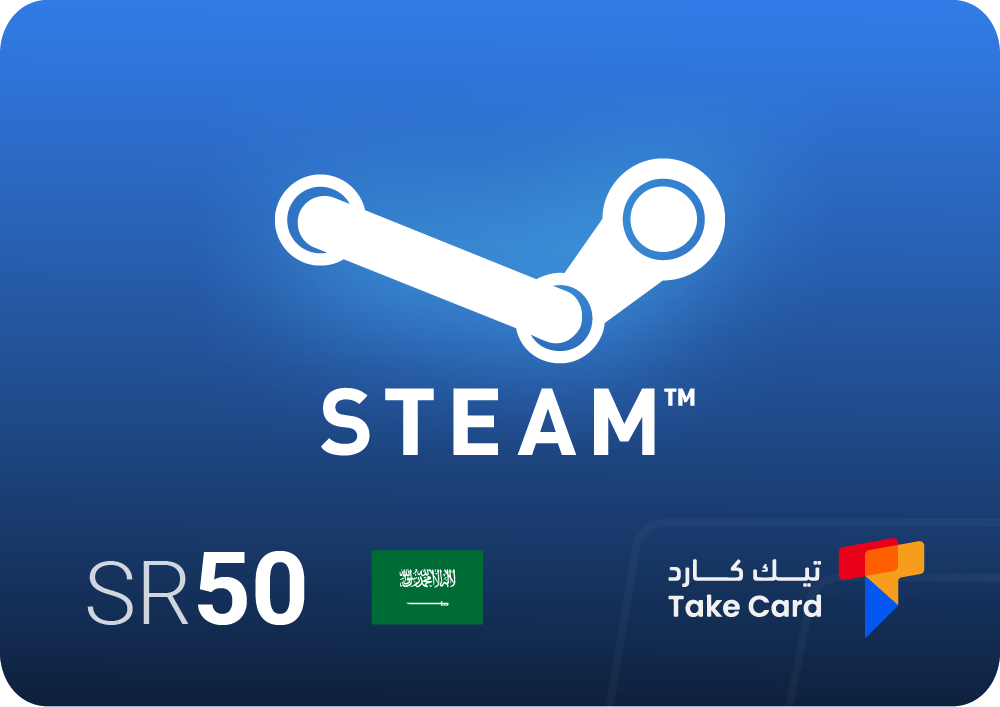
A 50 Steam Saudi card is available for immediate use on Saudi accounts on the Steam platform. This card allows for easy credit additions without the need for direct payment methods, making it ideal for gifts or special offers on the store.
What is a TechCard store?
TechCard is an online platform specializing in selling various types of digital cards, combining ease of use with high security in every transaction. The store is distinguished by its fast, instant card delivery and competitive prices to suit different budgets. It also provides 24/7 technical support to ensure a smooth and convenient experience for all users, making it a reliable destination for safely and flexibly topping up Steam accounts and all digital gaming platforms.
Frequently asked questions about how to create a Steam account
How can I create a Steam account?
To create a Steam account, you can go to the official Steam website and download the installer from http://store.steampowered.com/about . After installation, open the installer and click on the "Create a new account..." option, then follow the instructions on the login page to fill in the required information and confirm your account.
What are the requirements to run Steam?
For Steam to run smoothly on your computer, you must have at least Windows 10 (64-bit) and an Intel Core i5-7500 processor or equivalent. 8GB of RAM and an NVIDIA GeForce GTX 970 graphics card are also recommended for stable performance and a comfortable user experience.
How to activate a Steam account?
To fully activate your Steam account and take advantage of all its features, you must add at least $5 to your Steam wallet, either through a gift card or an in-store purchase. You can also activate your account by purchasing at least one game worth $5 from the official Steam store.
Understanding how to create, activate, and fund a Steam account securely gives you access to a vast world of games and digital content. Using Saudi cards and trusted retailers like TechCard helps you enjoy a seamless and completely secure experience on the Steam platform, with easy and convenient access to a huge library of games.