
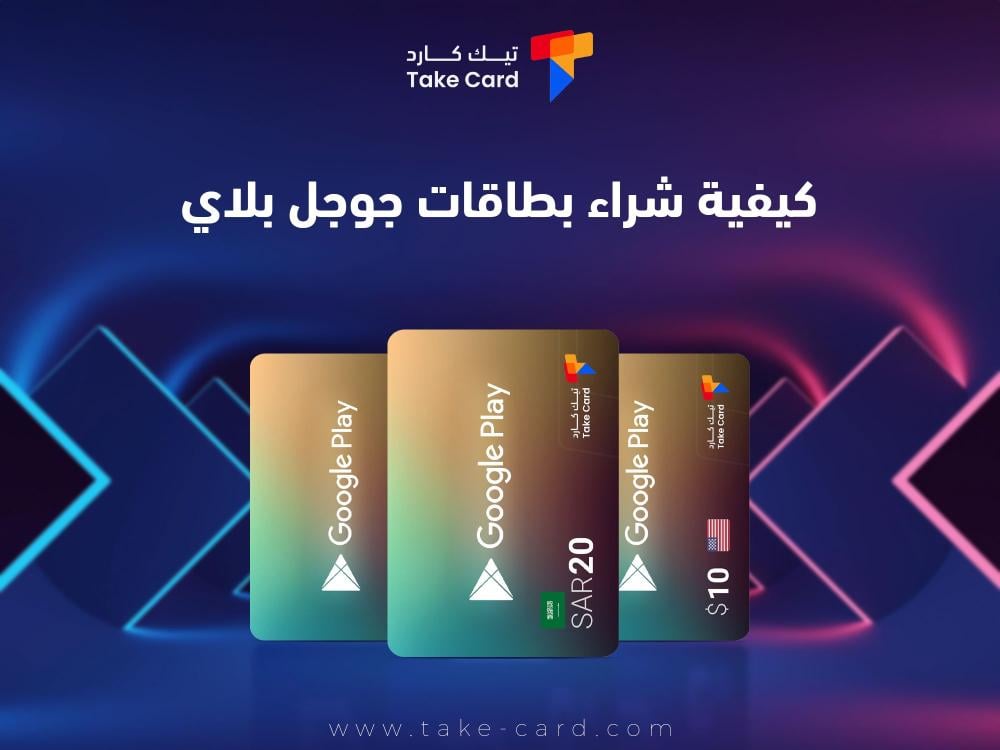
Google Play cards are one of the most popular and convenient ways to use them when you want to buy apps, games, and digital content. How to buy Google Play cards is a concern for many people. These cards allow users to easily add credit to their accounts without having to repeatedly enter credit card information, providing a smooth and secure purchasing experience.
How to buy Google Play gift cards
Google Play gift cards are one of the smartest ways to increase your Google Play account balance. This allows you to learn how to purchase Google Play gift cards for use in a wide range of applications. We will review how and where you can easily and securely purchase Google Play gift cards from the TechCard website as follows:
A Google Play card is a prepaid card that can be used in the Google Play store to purchase apps, games, movies, books, and music.
This card offers ease of payment, as you can use it without having to enter your credit card information.
The process of purchasing Google Play cards is designed to be simple and easy. The purchase is done by specifying the value you need. Google Play cards are usually available in values such as 50, 100, 500, and 1000 dirhams.
It is done from a reliable site like TechCard, which is the most convenient place for you (it is a local and global online store). Go to the store that everyone chooses.

Whether you're looking for a small card to explore options or a larger card for big projects, you should know how to buy Google Play cards. These cards from TechCard, including the 50 AED Google Play card , provide you with easy access to the digital content you need.
Where can you buy Google Play gift cards?
There are several ways to purchase Google Play gift cards, including online or through cash or credit cards.
Go to the website
You can find Google Play cards in many local stores, but it is best to go through a trusted site like TechCard, which has Google Play cards as well as other cards for video games.
Purchase process
First, log in to the TechCard website, then look for the gift cards section, then choose the Google Play card you want, then follow the instructions to complete the payment process.
Receive the code
If it's a plastic card, you'll find the code on the back. If you're buying online, you'll receive a code via email.
How to redeem a Google Play card
After purchasing the card and receiving the code, you can easily redeem it by opening the TechCard website on your phone as follows:
- Click on your profile picture in the top corner of your profile page.
- Select "Redeem Code".
- Enter the code found on your Google Play card and press "Redeem".
But first, make sure to buy Google Play cards only from authorized sellers such as TechCard, and avoid buying cards or codes from unreliable websites.
Always check your Google Play balance after redeeming the card to monitor your financial transactions.

By choosing the right place to buy and following the correct steps on how to buy Google Play cards, there are Google Play cards worth 100 UAE dirhams, and you can easily increase your account balance and enjoy new experiences through the Google Play store.
What categories are available for Google Play gift cards?
Google Play gift cards are one of the most popular payment methods among users of the mobile ecosystem, giving users the ability to purchase a wide range of digital content from the Google Play store. However, before you ask how to buy Google Play gift cards, it is important to be aware of the available categories that can meet your needs, which are:
Cards with specific values
Cards worth 50 dirhams are an ideal option for new users or those who care about small amounts of content. This card is usually used to buy simple apps or to make some small in-app purchases.
Cards worth 200 dirhams offer more purchasing options, allowing you to collect a range of apps or games, or enjoy a movie or TV show.
The 500 AED cards are suitable for more active users who want to explore a wider range of content or who plan to purchase paid games or apps.
Higher cards worth 1000 dirhams are considered the most suitable value for users who intend to buy a lot of content or are looking to use the balance in the future for large purchases.
variable value cards
Some stores may offer Google Play cards with adjustable values, meaning you can load the card with the value that suits you, such as 50, 100 or 250 dirhams. This option is useful for those who want to customize the amount added to their Google Play account based on their specific needs.
digital cards
You will also find digital Google Play cards, which you can buy online. These cards often come with the same specified values as those shown in stores.
It is characterized by its speed of use, as you can receive the code via email and redeem it directly in your Google Play account.
What payment methods are available for purchasing Google Play cards?
Google Play gift cards are one of the most popular payment methods among Android device users, and when it comes to how to buy Google Play gift cards, there are several payment methods available that allow you to make purchases conveniently and securely, including:
Credit cards
Credit and debit cards are one of the most popular payment methods for purchasing Google Play cards online. They can be used as an option to use your credit or debit cards when purchasing Google Play cards from sites like Amazon, or authorized app stores.
Some websites allow you to link your bank card to electronic payment accounts such as PayPal, which makes purchasing easier.
Prepaid cards
If you wish to avoid using credit/debit cards, you can resort to prepaid cards such as AD-Baqat cards or prepaid recharge cards. These cards allow you to cover expenses without worrying about debt.
Pay at local stores
You can buy Google Play cards from local stores using cash. The process is simple: choose a Google Play card, go to the payment terminal and pay in cash.
bank cards
Many stores and shopping centers also accept credit and debit cards, so you can use your bank card to pay for a Google Play card in the store.
Mobile Payments
Mobile payment systems, such as Apple Pay, Samsung Pay, or Google Pay, are modern methods that can be used in stores.
These systems allow you to make payments using your smartphone, adding an extra level of convenience and security to your purchases.
Digital payment options
Some stores offer payment options via digital wallets such as PayPal or Venmo. If you do not have a linked bank account, you can top up your account in this wallet, and then use it to buy Google Play cards.
In some places you can use cryptocurrencies like Bitcoin as a means of payment to buy Google Play cards, however not all stores accept this method, so check beforehand.
ATMs
Some ATMs also allow you to purchase Google Play cards; you need to configure the purchase options on the machine and use your credit or debit card.
Finally, in the world of advanced technology and digital entertainment, Google Play cards are a key way to access countless apps, games, movies, and music, and the process of purchasing Google Play cards has become much easier than it was in the past.
Read also: The best Windows version for gaming and how to get it